
One Product
Signal modules live inside a shared Emerald Legacy System framework rather than requiring separate product surfaces.
Signal & Analysis Layer
Unified Multi-Signal Indicator
One configurable indicator framework combines multiple Emerald signal engines into a single product across MT4, MT5, TradingView, and NinjaTrader.
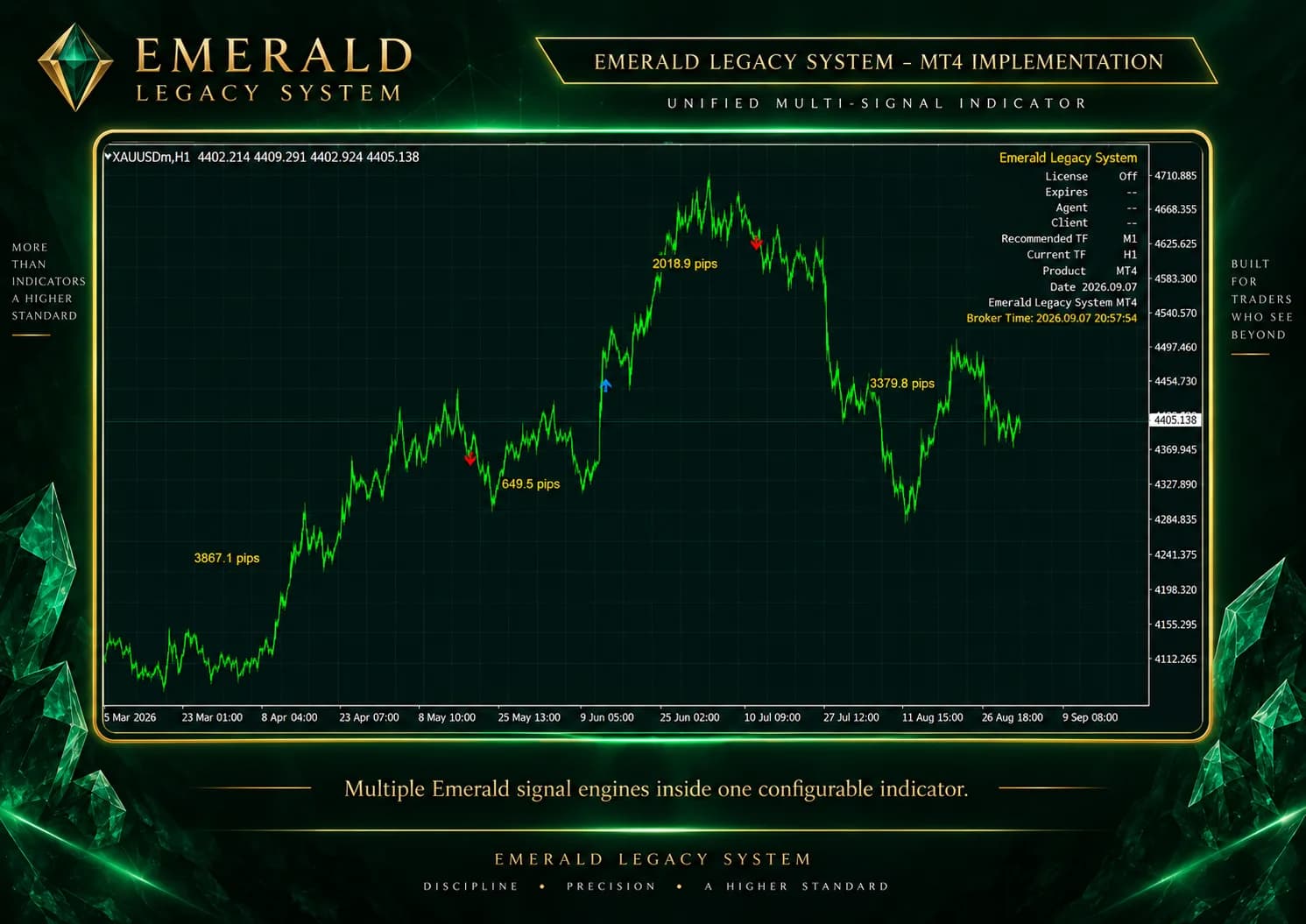
Unified Multi-Signal Framework
Instead of installing and managing a separate indicator for each signal type, Emerald Legacy System organizes the signal framework into one configurable product interface.
Signal modules live inside a shared Emerald Legacy System framework rather than requiring separate product surfaces.
A user can choose which signal modules are relevant to their workflow without implying every module must be enabled together.
The same framework can support future signal refinements and platform-specific improvements after review.
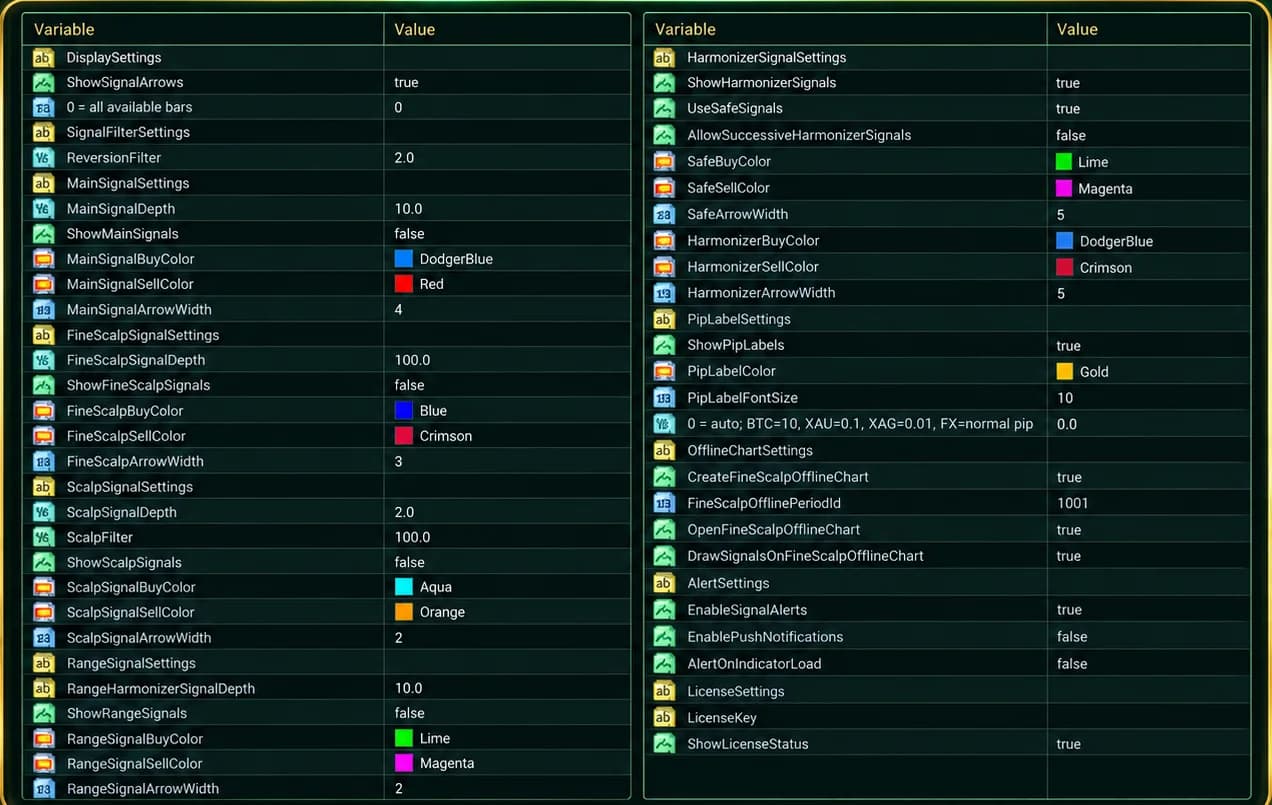
Signal Module Overview
The modules produce analytical or directional outputs. They do not define automatic trade execution on their own.
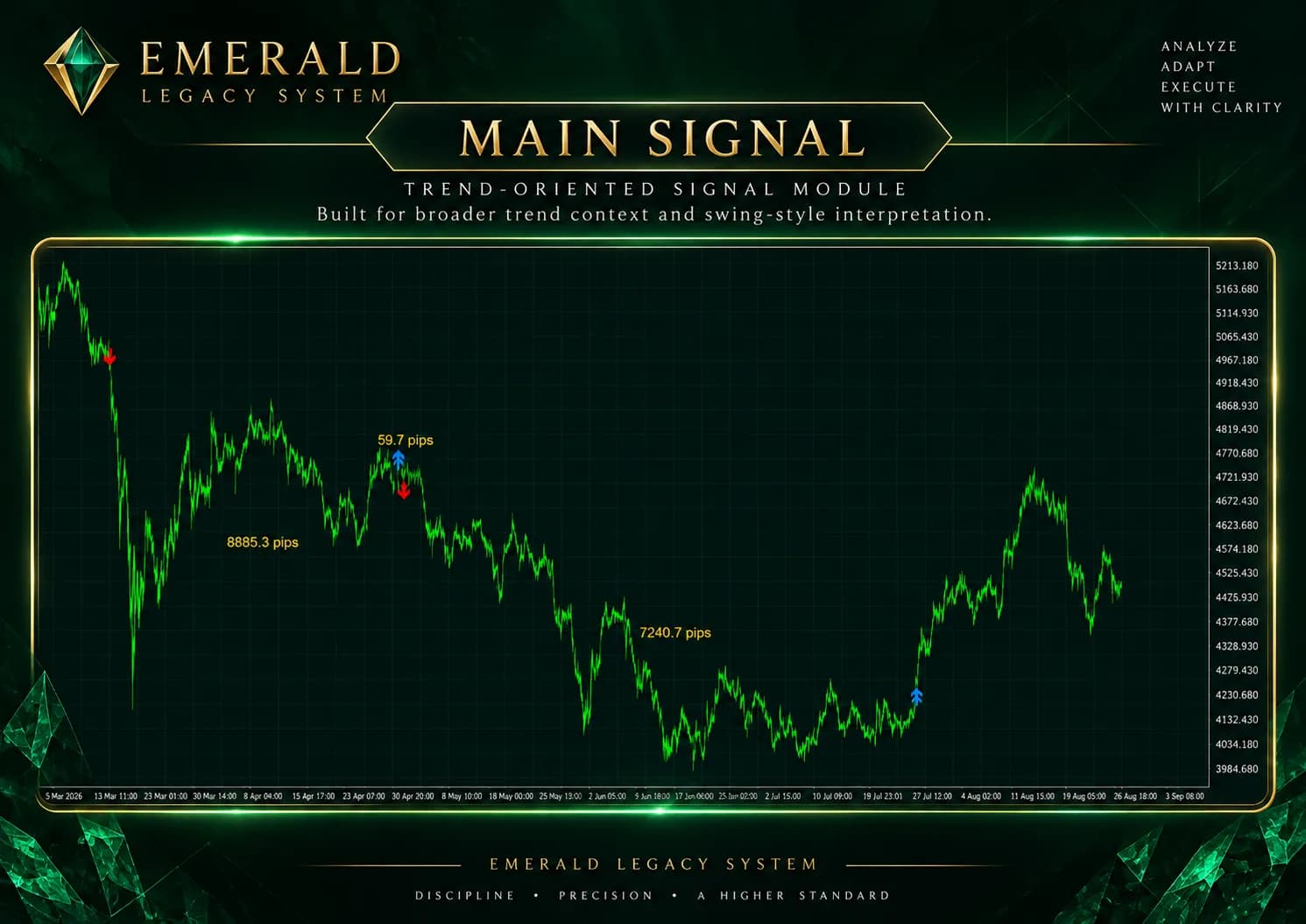
Trend-oriented signal
Lower-frequency trend context
View in Signal LibraryHigh-resolution tick / seconds-chart signal
High-resolution context
View in Signal LibraryShort-horizon scalping-oriented signal
Short-horizon context
View in Signal LibraryRange-oriented signal
Range-oriented context
View in Signal LibrarySignal-synthesis module combining Scalp + Range
Synthesis context
View in Signal LibraryThe screenshot shows the Main Signal module on an MT4 chart as product evidence only. It does not define entry or exit formulas.
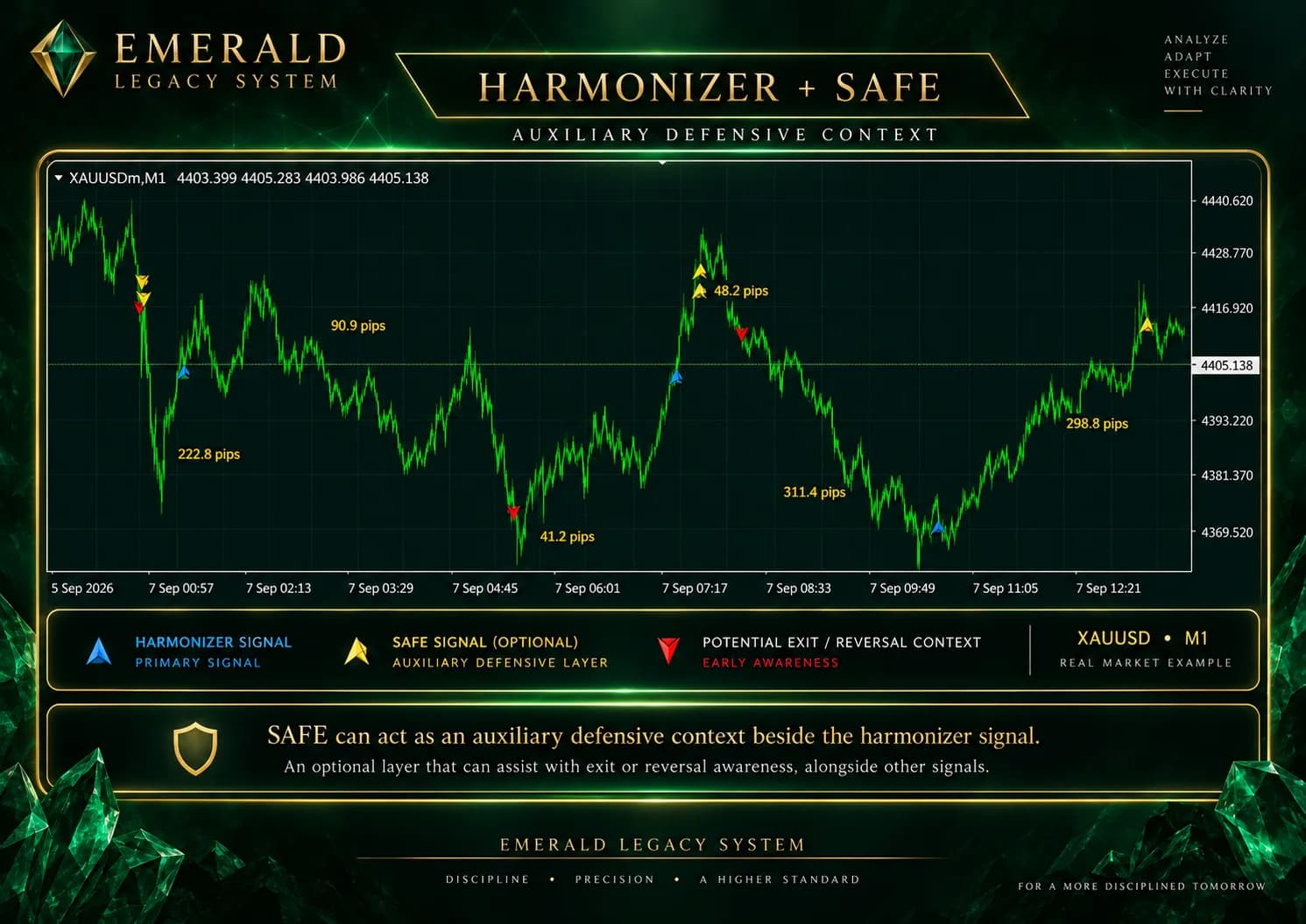
Auxiliary signals are framed as supporting context. Harmonizer SAFE can sit beside a preferred primary signal without being presented as a separate primary engine.
Auxiliary defensive/helper signal
Defensive helper context
View in Signal LibraryFineScalp High-Resolution Analysis
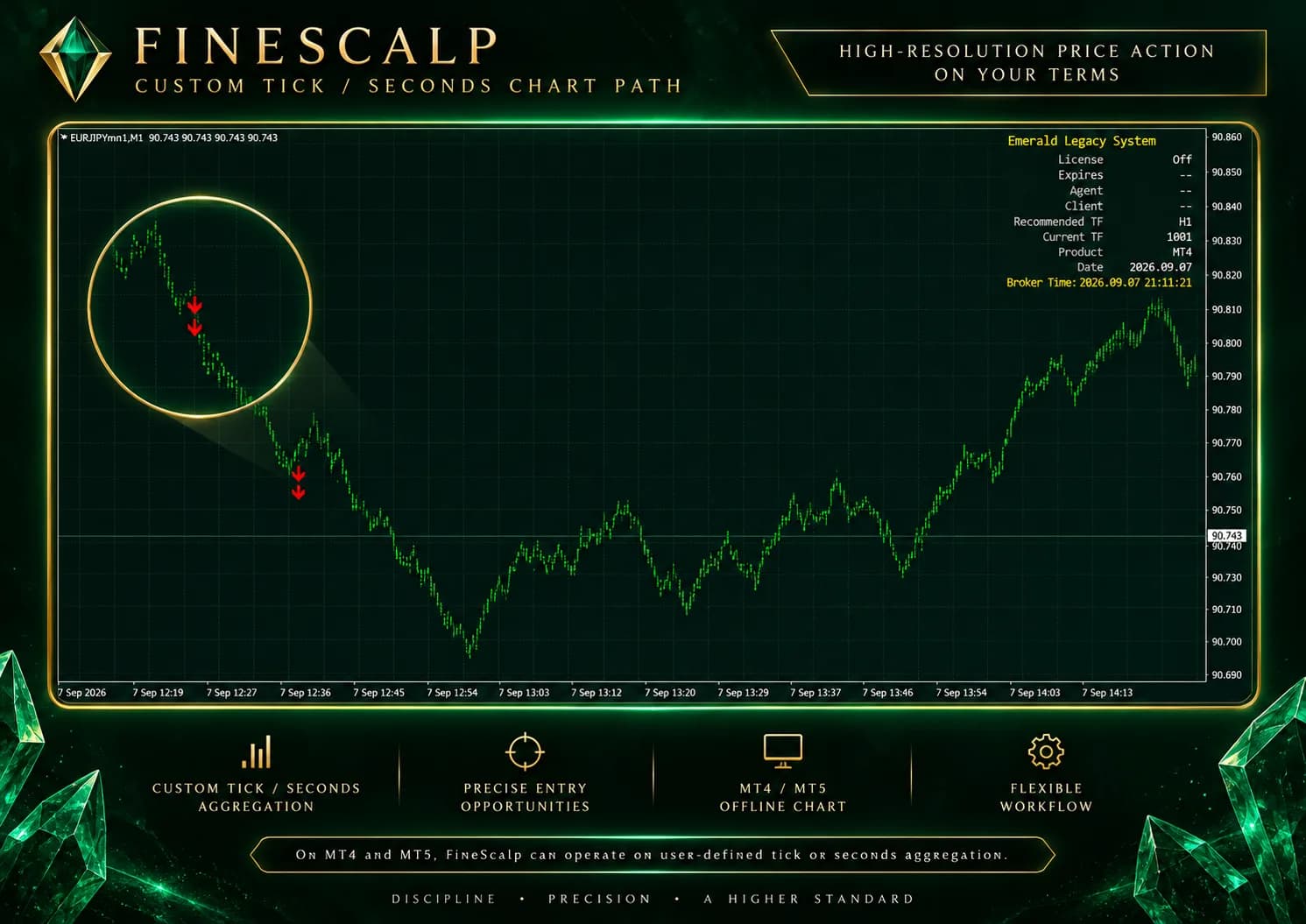
FineScalp is designed for high-resolution tick and seconds-chart signal analysis. On MT4 and MT5, Emerald can build a custom high-resolution chart from the underlying market instrument before FineScalp signals are calculated and plotted.
Tick mode with aggregation interval 5 creates candles composed of five ticks.
Seconds mode with aggregation interval 5 creates five-second candles.
TradingView and NinjaTrader implementations should use native high-resolution chart capability where available; MetaTrader offline/custom-chart mechanics are not implied for those platforms.
The MetaTrader custom/offline chart path is derived from the underlying market instrument. An Emerald-generated custom chart label is workflow context and should not be interpreted as a separate financial instrument.
Harmonizer
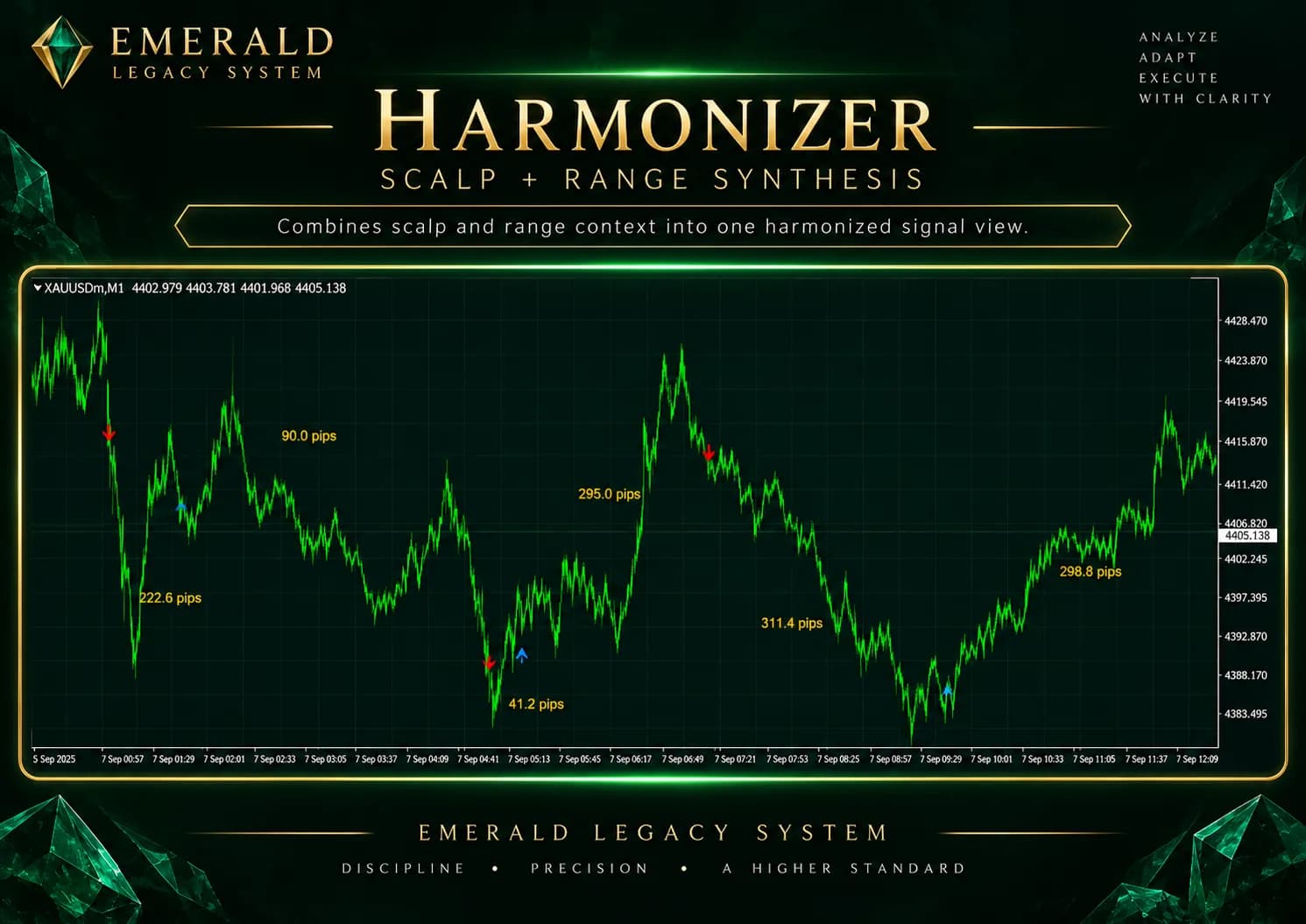
Harmonizer combines Scalp Signal and Range Signal outputs inside the Emerald signal framework. The page shows the relationship at a conceptual level only; no mathematical combination logic is implied.
Harmonizer SAFE
Harmonizer SAFE is an auxiliary defensive and reversal signal that can help identify when a trader may want to close or exit an opposing position. It provides signal context only and does not itself guarantee an exit, place a stop order, or prevent losses.
Different Signal Engines. The Same Market.
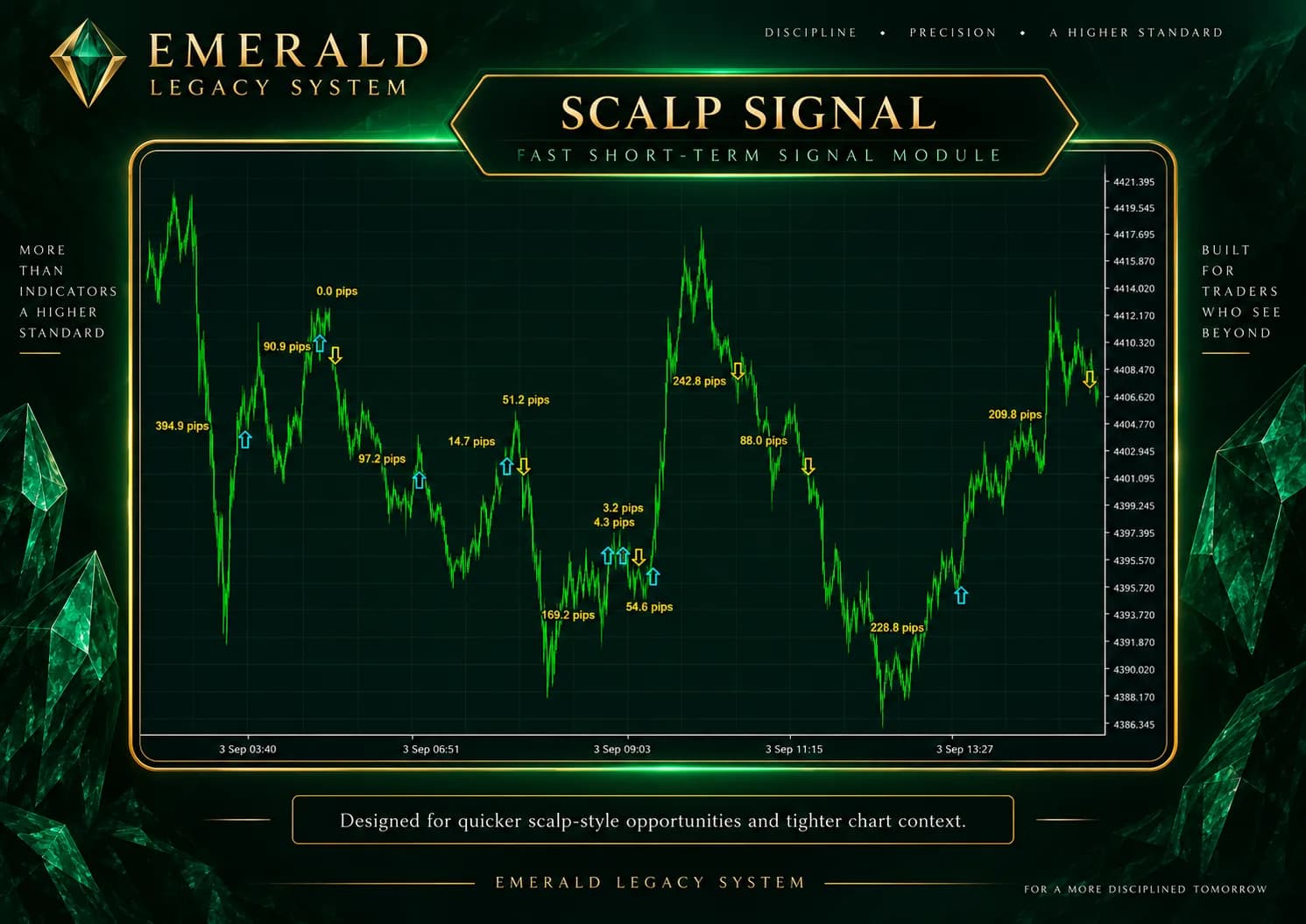
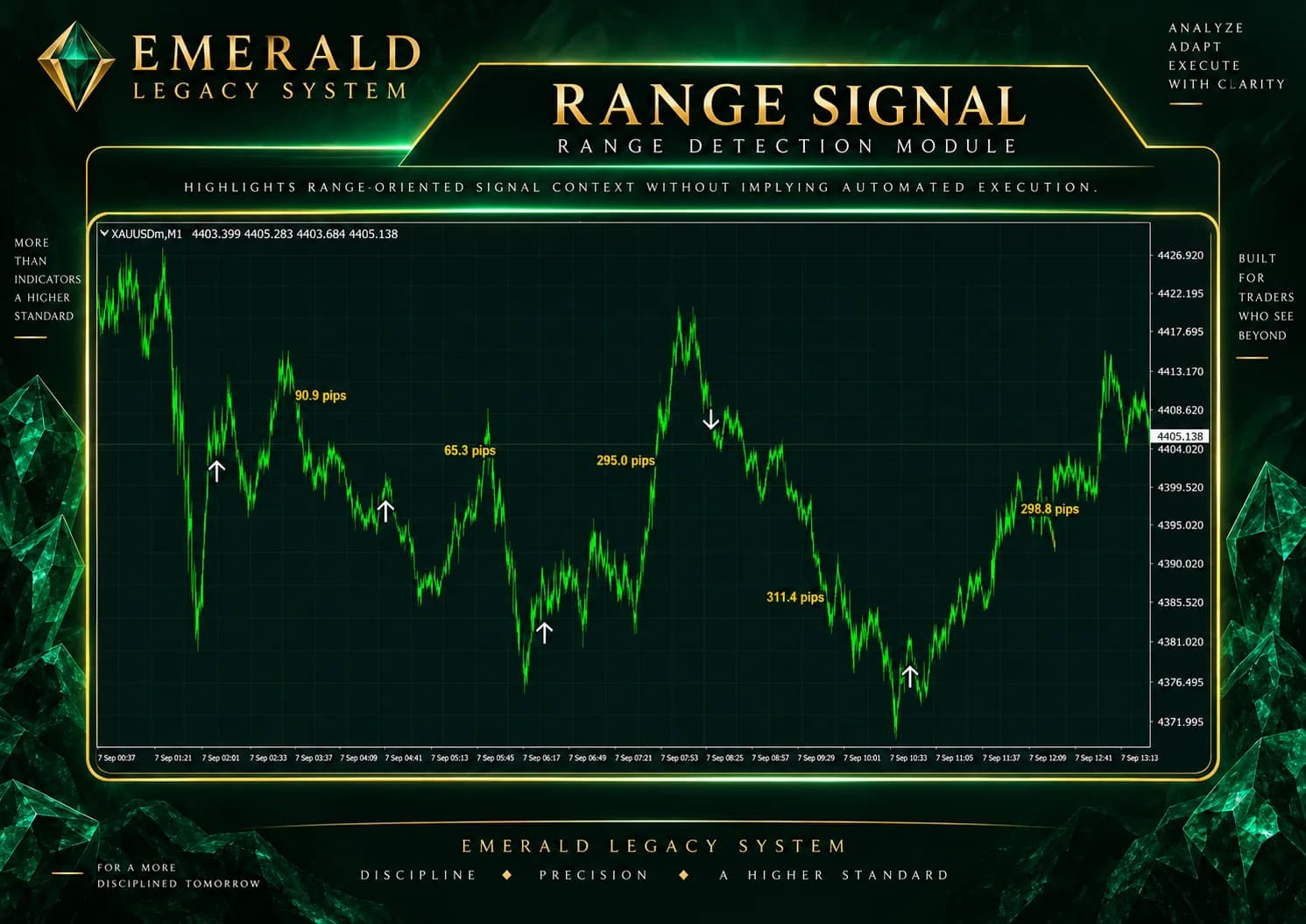
The sequence shows how different signal modules can produce different analytical outputs on the same market structure. It is not a performance, accuracy, win-rate, or profit comparison.
Platform Availability
Emerald Legacy System is modeled across MT4, MT5, TradingView, and NinjaTrader. Platform implementations may differ in UI, settings, chart behavior, and workflow.
Product implementation guide content will live at /platforms/mt4.
Product implementation guide content will live at /platforms/mt5.
Product implementation guide content will live at /platforms/tradingview.
Product implementation guide content will live at /platforms/ninjatrader.
Product Ecosystem
Emerald signal modules produce analytical outputs. A trader may interpret them manually, Scanner may monitor them, and execution products may use them as inputs while applying separate trade management or execution logic.
Multi-symbol / multi-signal monitoring
Scanner monitors signal-module outputs across selected symbols.
Semi-automated trade management
The trader initiates the first trade before management logic acts.
Fully automated quantitative trading system
Private-investor execution remains separate from public signal modules.
Research & Extensibility
Emerald Legacy Systems treats signal development as an evolving research program rather than a fixed collection of indicators. New modules and refinements can be incorporated into the unified framework after development and review.